- Task
- Version · 6.0.2
- Manage
Review the effective license
Last updated: November 17, 2026
Read what this installation is entitled to run, and see which imported file each grant came from.
Before you begin
You need to be a member of the Administrators group, or of a group with the Security Reviewer template, which gives read only access. See Liquibase Secure Role-Based Access Control.
At least one license file must be imported. Until then, License Management shows only a
No license importedmessage, with no tabs. See Import license files.
Procedure
Open License Management
Go to Administer and select License Management. The Overview tab opens by default.
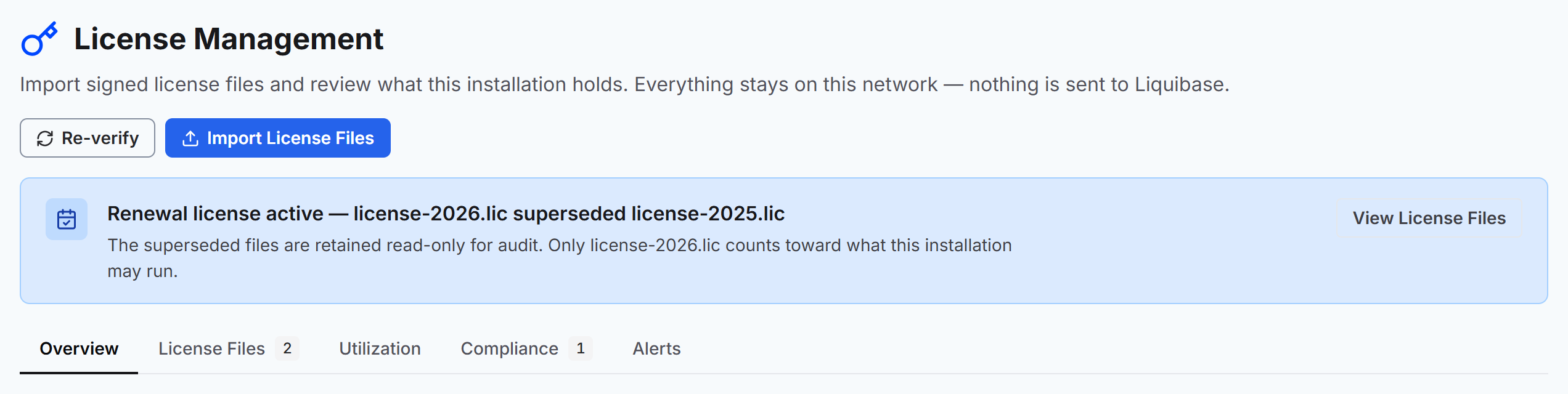
Overview shows the Effective License card. One installation resolves to one effective license, so this card is the whole answer rather than one of several.
Export the effective license
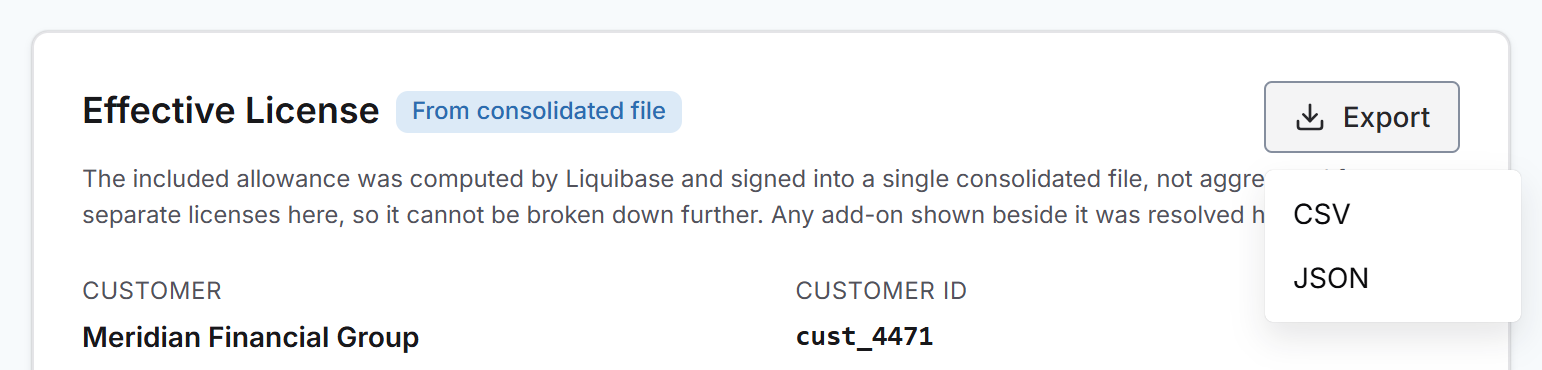
Select Export on the card and choose CSV or JSON to download the effective license as a file.