- Concept
- Version · 6.0.2
- Manage
User access after you upgrade
Last updated: November 17, 2026
Upgrading to Liquibase Secure 6.0.2 keeps the users, groups, and access you set up in the previous version, and adds owners and access control to catalogs, packages, and assignments.
What stays the same
Users and groups — Everyone keeps their account and their group memberships.
Permission templates — Each group keeps the templates it has.
Projects, connections, and changelogs — Who can see and change them doesn't change.
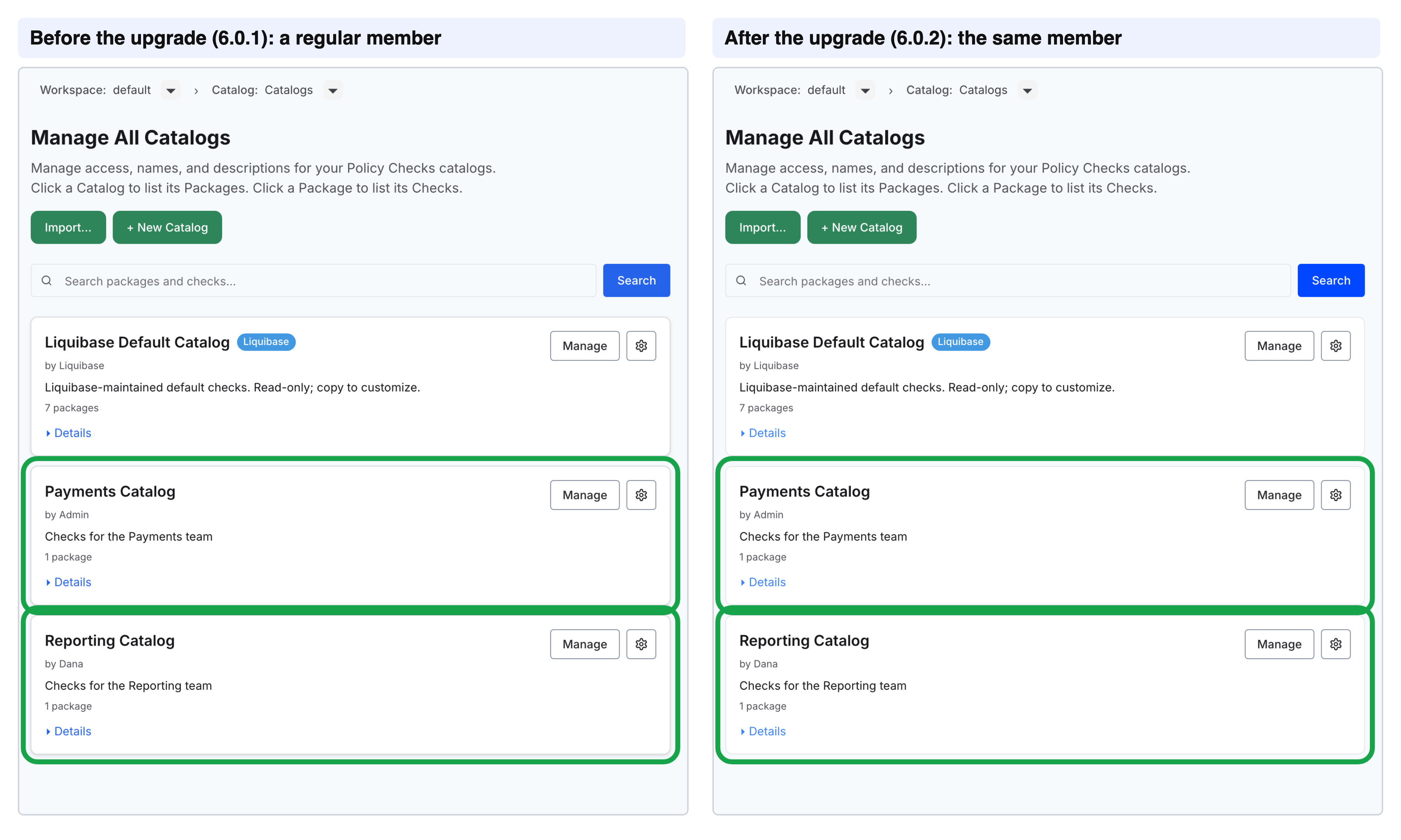
Existing catalogs, packages, and assignments — Every active member can still see them.
What changes
Catalogs, packages, and assignments — Each now has an owner.
Changing Governance content — Only these people can change a catalog, package, or assignment:
Its owner
People whose group has the Customer Admin or Governance Lead template
People the owner gives edit access
New Governance content — A catalog, package, or assignment created after the upgrade is visible only to its owner, administrators, and Security Reviewers until it's shared.
Access token permissions: Three permissions have new names.
admin:view:api-tokenis nowadmin:view:access-token,admin:revoke:api-tokenis nowadmin:revoke:access-token, andadmin:rotate:api-tokenis nowadmin:rotate:service-token. Grants, denies, and group customizations that used the old names now use the new ones. Update any script that still sends an old name, because the server no longer recognizes it.
To hide existing catalogs, packages, and assignments from everyone except their owners, administrators, and Security Reviewers, and then share them yourself, see Hide existing Governance content.
What happens by default
Every active member can still see every existing catalog, with its packages, and every existing assignment. Pending users, deactivated users, and service principals can't.
A member who could see catalogs before the upgrade sees the same catalogs after it.
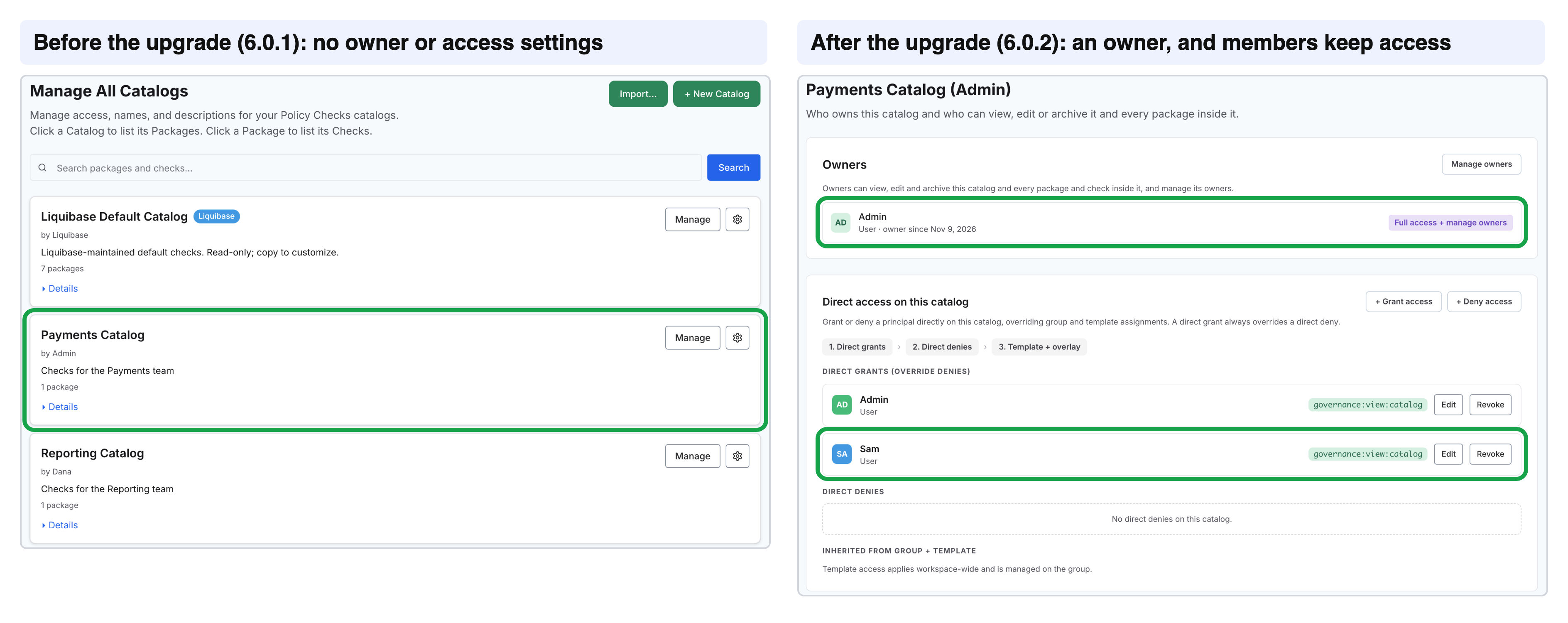
Catalogs, packages, and assignments had no owners or access settings in previous versions. Now that they do, the upgrade makes the person who created each one its owner. If that person is deactivated or missing, the workspace's Administrators group owns it instead. Having an owner doesn't take anyone's access away. Every active member can still see it, and only its owner and administrators can change it.
Here Admin owns Payments Catalog, and Sam, a regular member, can still see it.
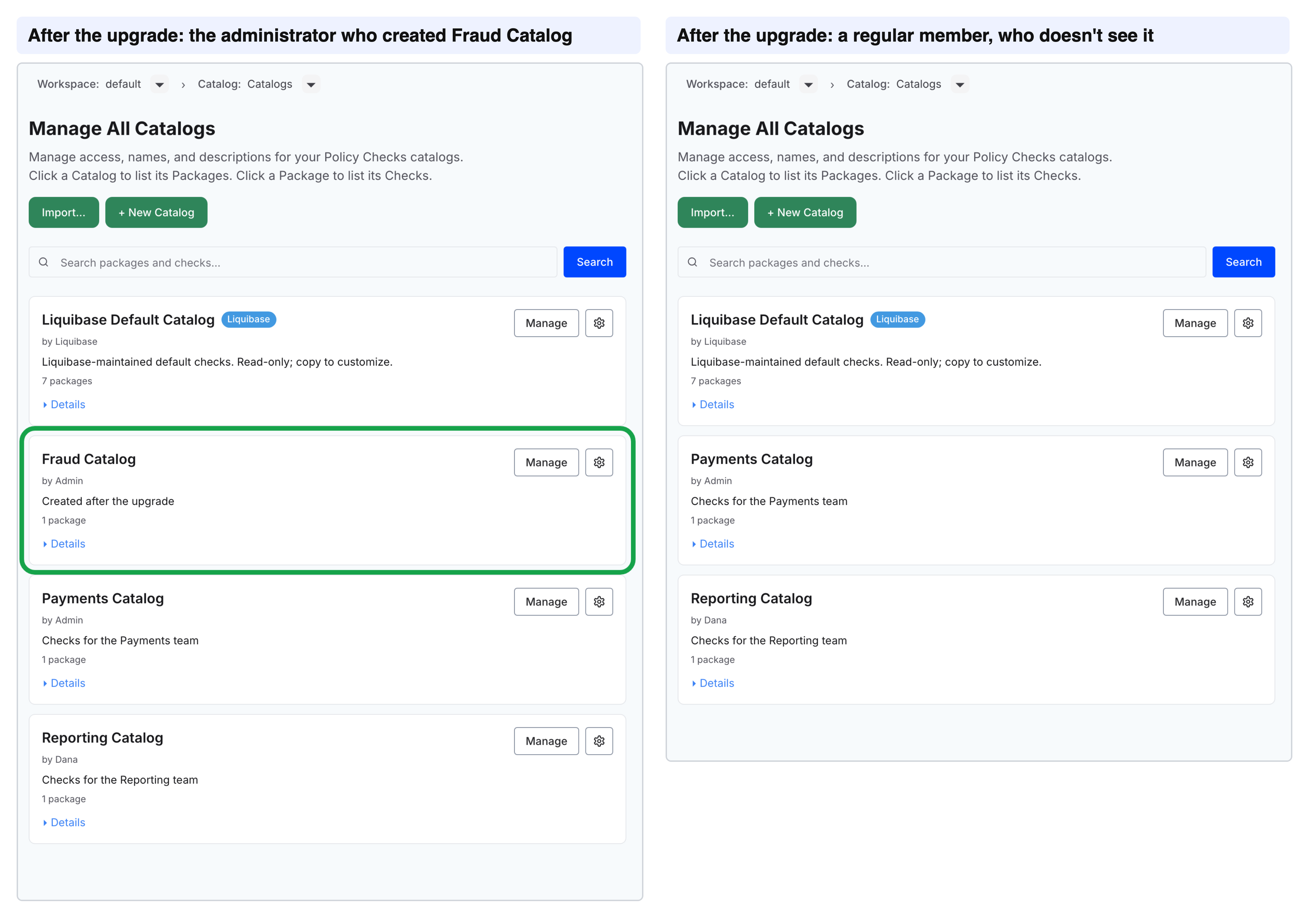
A catalog created after the upgrade is visible only to its owner, administrators, and Security Reviewers until it's shared.
Here an administrator creates Fraud Catalog, and a regular member doesn't see it.
The Liquibase Default Catalog doesn't change. It holds the checks Liquibase provides, so every member can see it and browse what's available. Nobody can change it, so to customize a check, copy it into your own catalog.
The kept view access is recorded as a direct grant to each person, so you take it away by revoking the grant, not with a deny. Grant or deny access to a catalog and Grant or deny access to an assignment show where those grants appear.
When the upgrade finishes, liquibase-platform update shows this notice in its success message:
Hide existing Governance content instead
To hide existing catalogs and assignments until they're shared, set this in your .env before you upgrade:
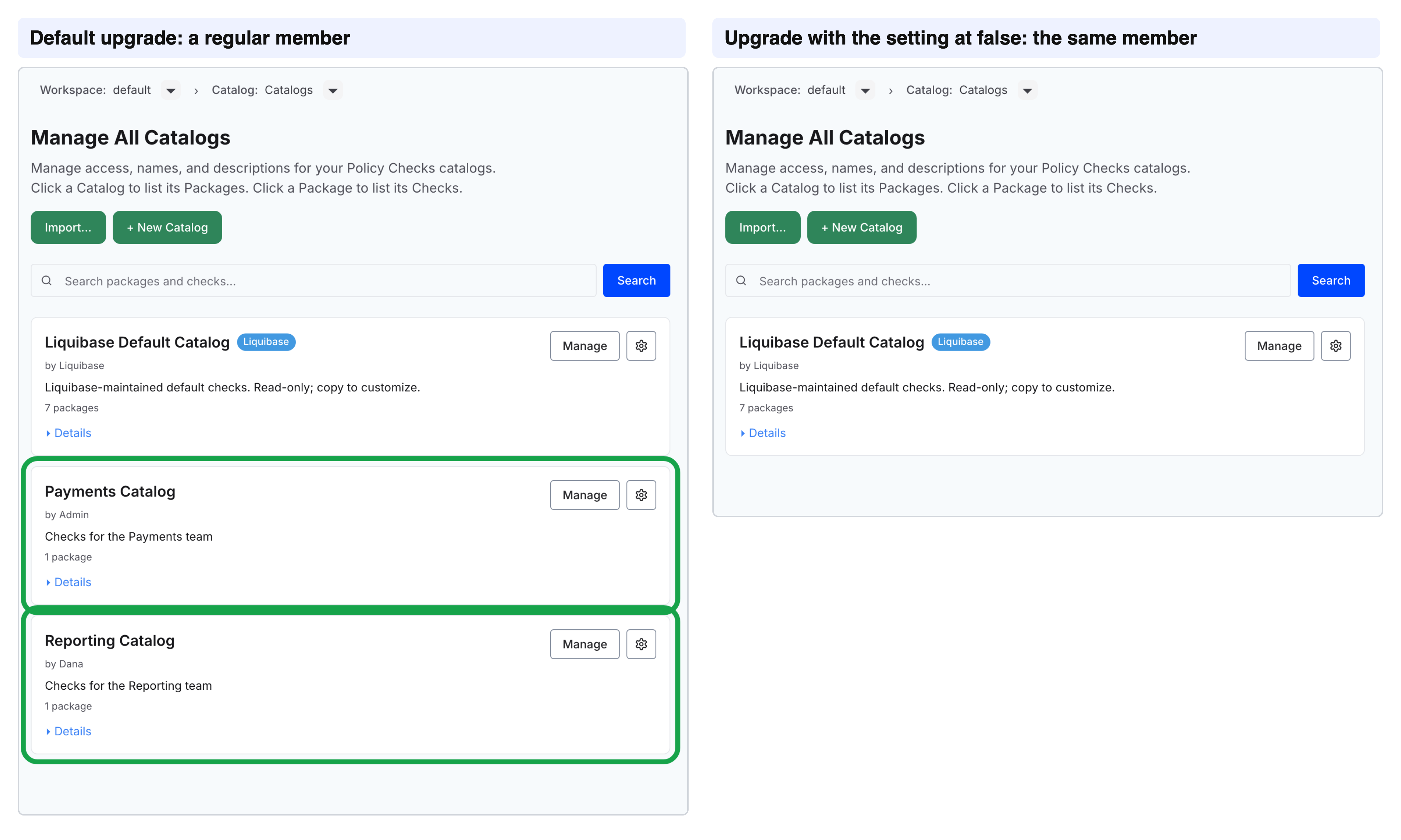
LIQUIBASE_PLATFORM_GOVERNANCE_KEEP_PERMISSIONS_ON_MIGRATION=falseUse false in any capitalization, or 0. With the setting:
Owners are still set.
Existing catalogs and assignments are visible only to their owners and to people whose group has the Customer Admin, Governance Lead, or Security Reviewer template.
Owners can share them from the Access tab at any time.
The setting only applies during the upgrade:
Removing it afterward doesn't give anyone access back.
If the upgrade fails, the next update reads the setting again.
A fresh install has no existing content, so the setting has no effect there.
With the setting, a regular member sees only the Liquibase Default Catalog after the upgrade.