- Task
- Version · 4.33
- Get started
Purchase Liquibase PRO on AWS
Last updated: August 11, 2026
AWS is an online software store for finding, buying, deploying, and managing software, data, and services that allow you to build solutions for your business. You can purchase Liquibase on AWS Marketplace and run all of your functionality within the AWS console. For more information, see AWS Marketplace.
The Liquibase AWS docker container image includes the Liquibase software, Java, JDBC drivers, and all other dependencies already preconfigured. The image is based on the Eclipse Temurin image eclipse-temurin:17-jre-focal. See Supported Databases for a list of libraries represented by database driver and client packages that are pre-installed into the container image.
Procedure
Login to the AWS.
You can use the AWS access portal.
Search for Liquibase Pro and select the first available option.
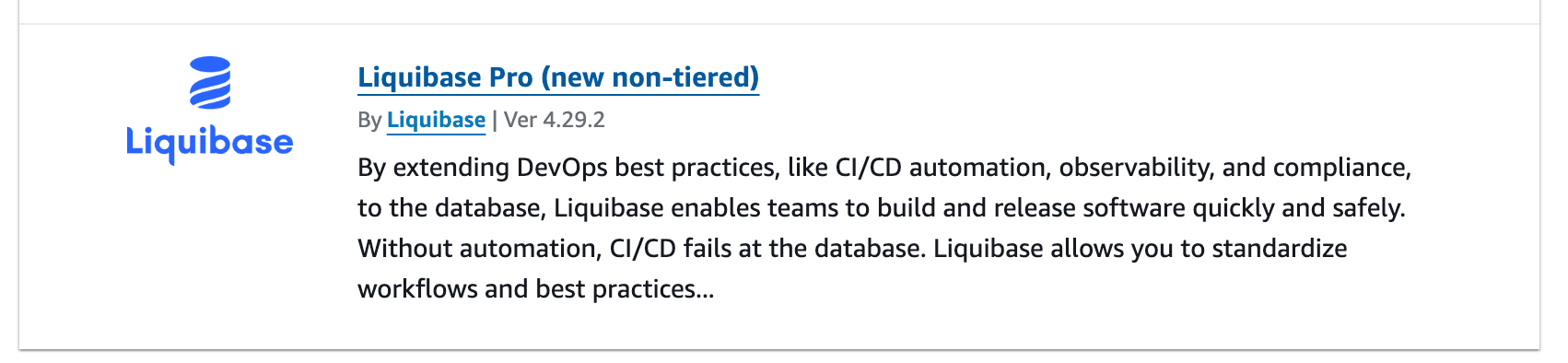
Click the View purchase options button.

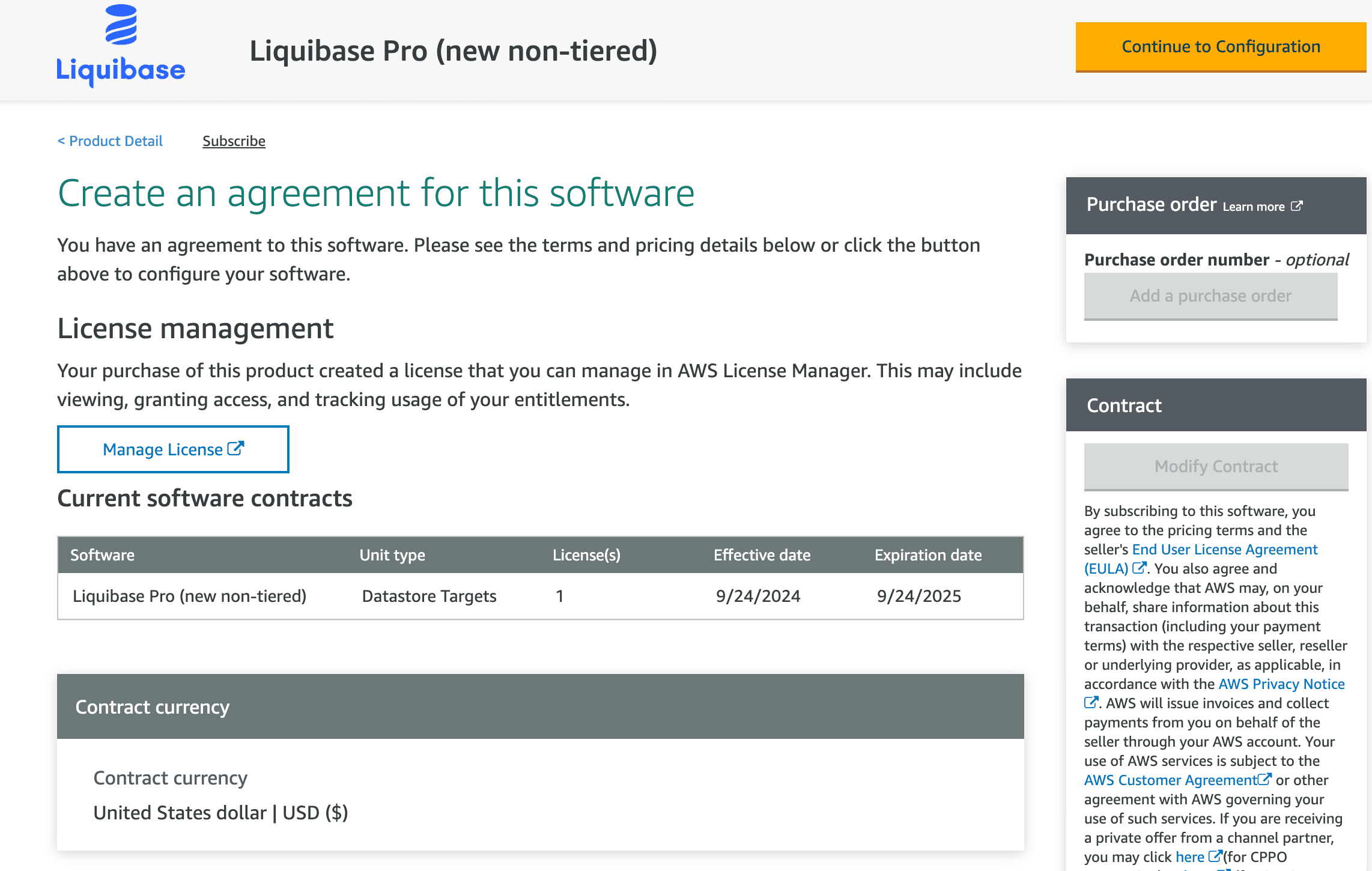
Configure your software contract.
You'll need to select:
How long the contract will run
If you want Liquibase to automatically renew
How many datastore targets you need
Click the Continue to Configuration button.
Choose a fulfillment option and software version to launch Liquibase.
In this example, the Liquibase Pro Docker image is the fulfillment option, and the software version is 4.33.0.
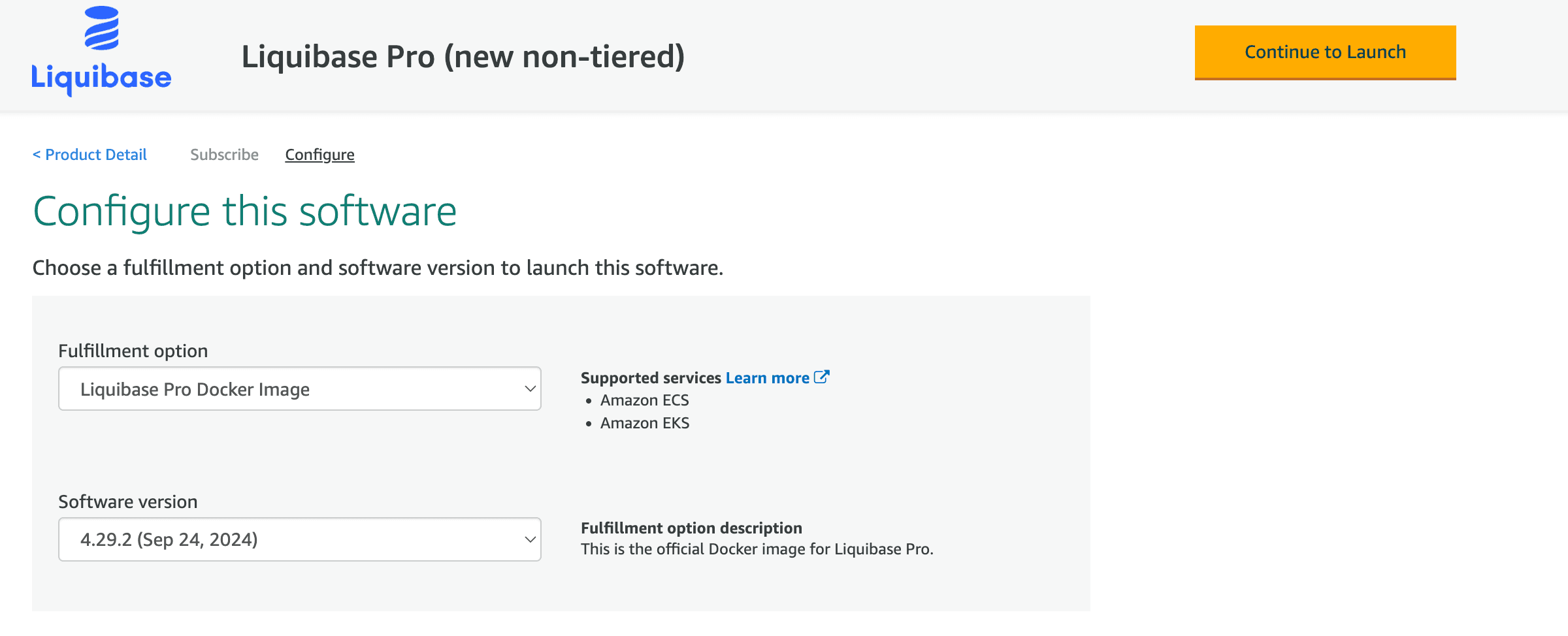
Click the Continue to Launch button.
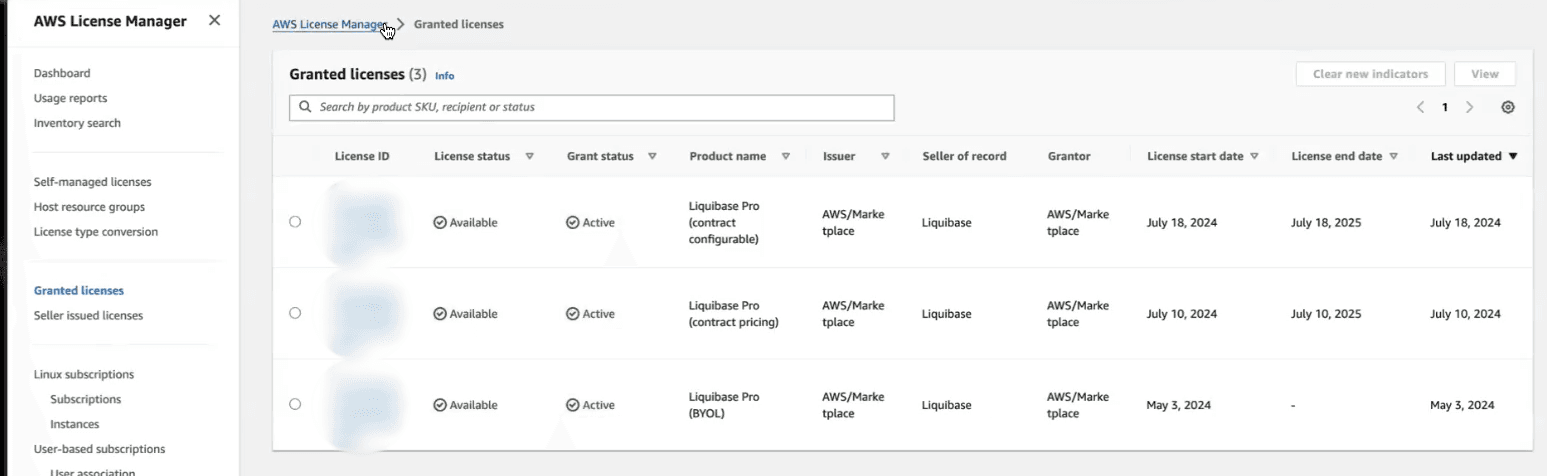
Once Liquibase launches, you will see the Liquibase Pro license and the data for your account under the AWS License Manager section.
After purchasing the Liquibase Pro container, this AWS message will appear which displays the Container image location.
This location is necessary when creating any ECS task, copy this directory and save it in a secure location because this is the only moment it will appear.