- Concept
- Version · 6.0
- Monitor
What are operations?
Last updated: September 29, 2026
What an operation is, and what the operations dashboards and details screens show.
An operation is one reported Liquibase run. It can be an update, a rollback, a policy check execution, or a drift detection. Operations are reported by the extension after each command and attributed to a registered changelog and database connection through their identifiers. Reports never block the run that produced them. A failed report never fails a deployment.
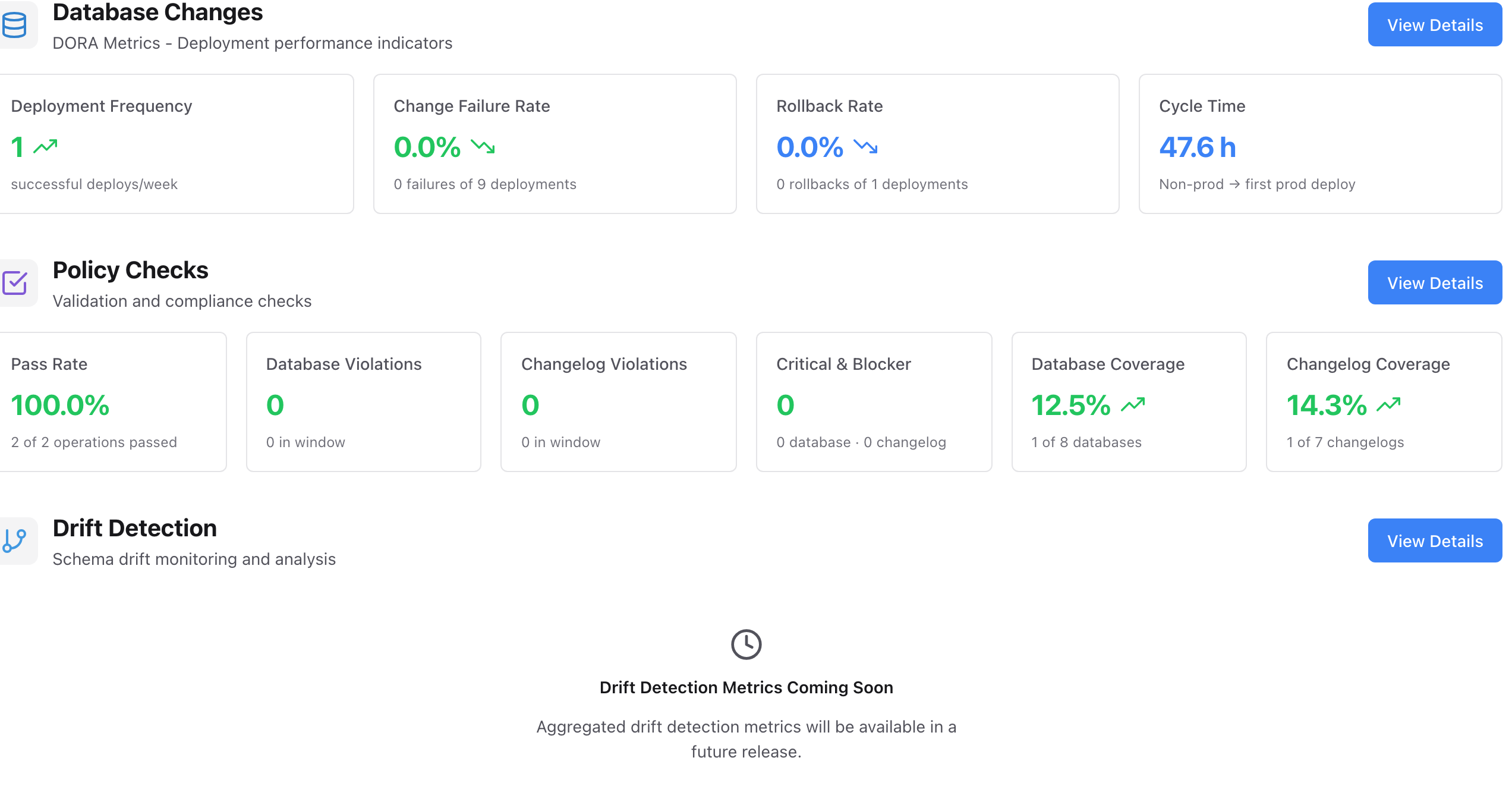
The Operations dashboard
The overview shows recent activity across the workspace. It covers outcomes, commands, and the changelogs and databases involved, with filters by project, connection, and time period.
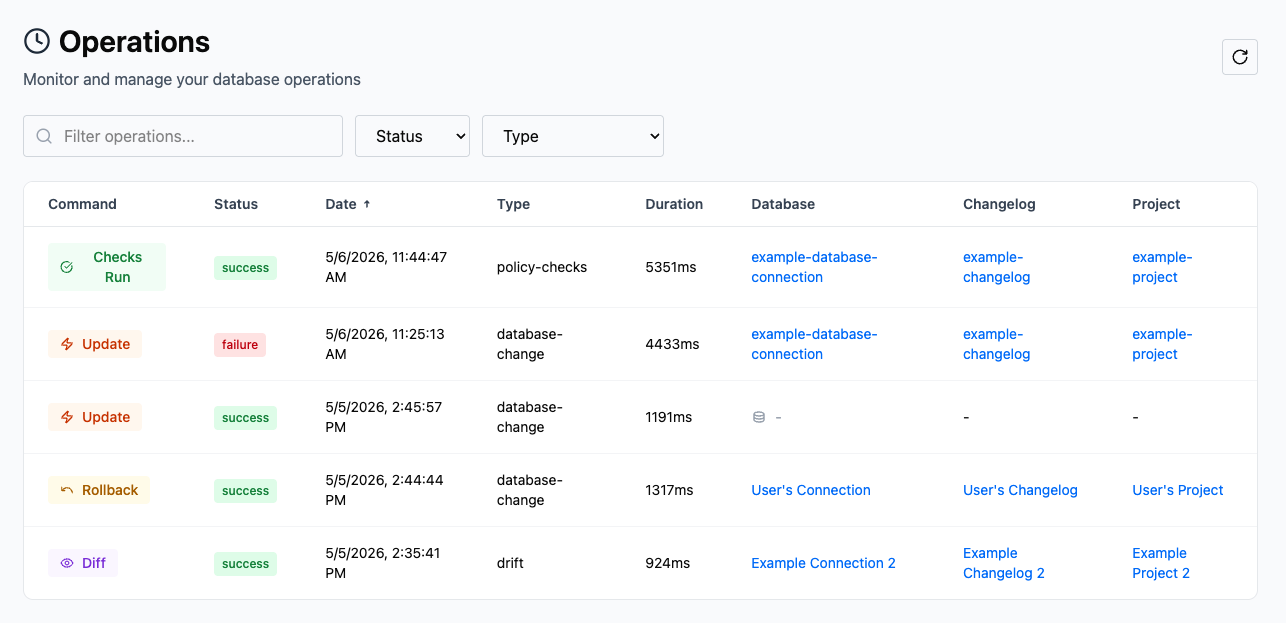
The All Operations view
The complete, filterable list of every reported operation. Use it to find a specific run, then open it for detail.
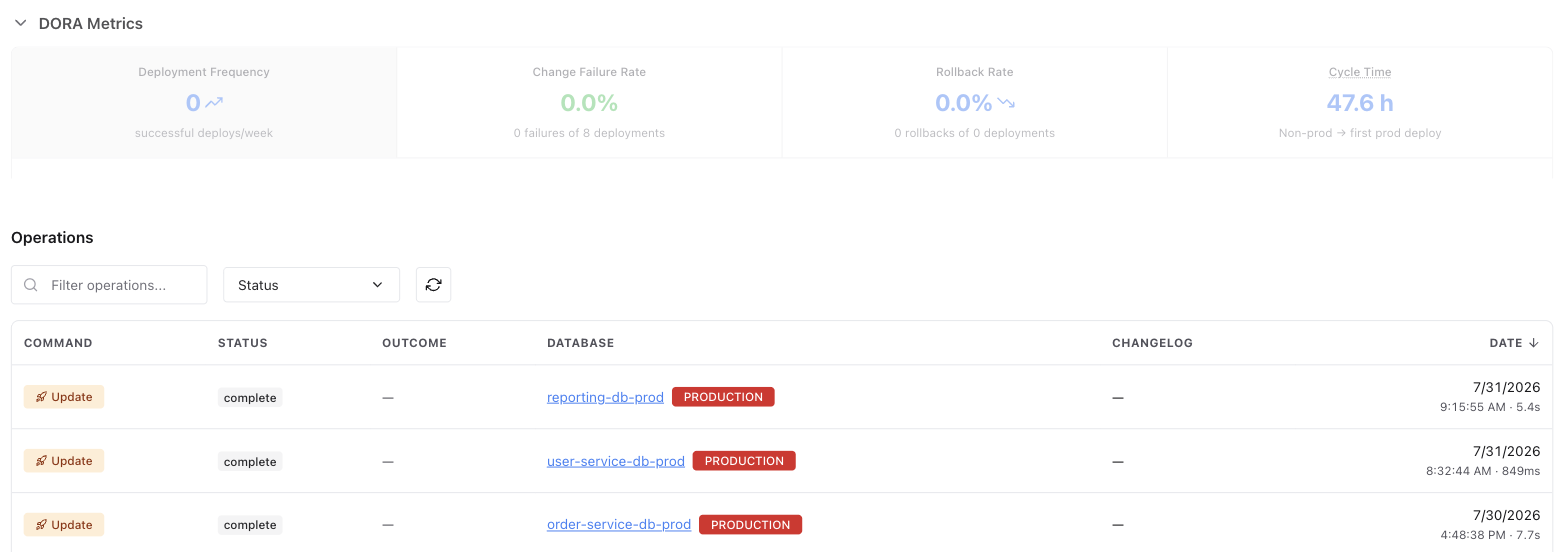
The Database Changes view
Deployment operations specifically. It shows what was applied, where, and with what outcome, including the changesets each deployment carried.
The Operation Details page
One run in full. It shows the command, outcome, database and changelog context, changesets, policy results, and logs. This is the page an investigation starts from.
