- Concept
- Version · 6.0
- Monitor
Compare expected and actual database state
Last updated: September 29, 2026
Expected versus actual, side by side, for one database.
The comparison view puts the two states side by side. Expected is what your tracked changelog history says the database should look like. Actual is what the drift snapshot found. This is a statement about the current state of one database, which is why it lives here in Monitor rather than in the aggregate Measure views.
Target and reference
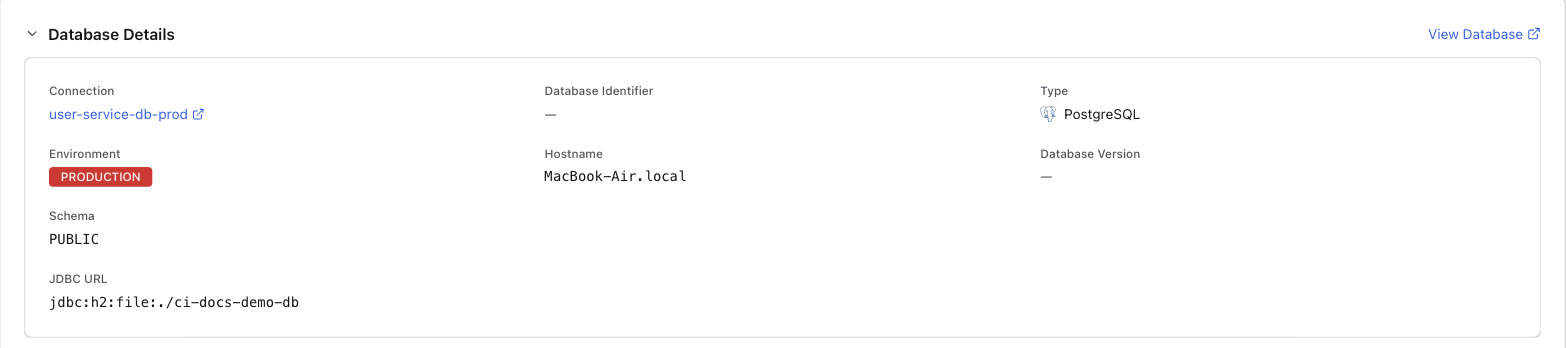
A drift check always compares two things. The Target Database is what was actually observed. The Reference is what it was expected to look like, either another live database for an environment comparison or a captured snapshot for a comparison against expected state. Both are shown as their own sections on the operation's details page.
Once you know which side is right, remediation is a choice. You can capture the change or restore the expected state. See Investigate detected drift.