- Task
- Version · 6.0
- Manage
Add members to a group
Last updated: October 15, 2026
Give people the access a group carries by adding them to it.
Before you begin
You must be a member of the Administrators group. The account that set up the server is a member.
Procedure
Open the groups list
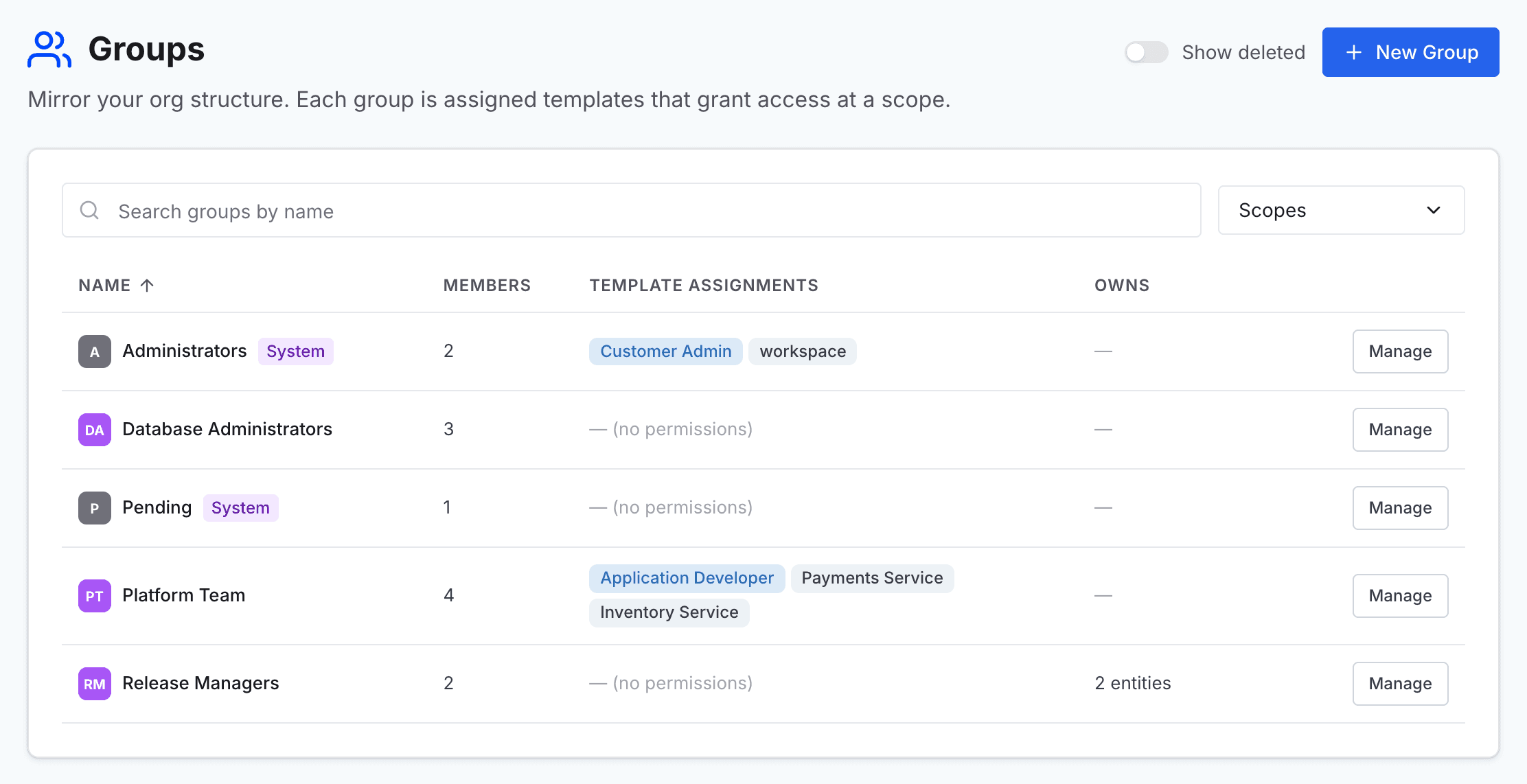
Go to Administer and select Groups.
Open the group
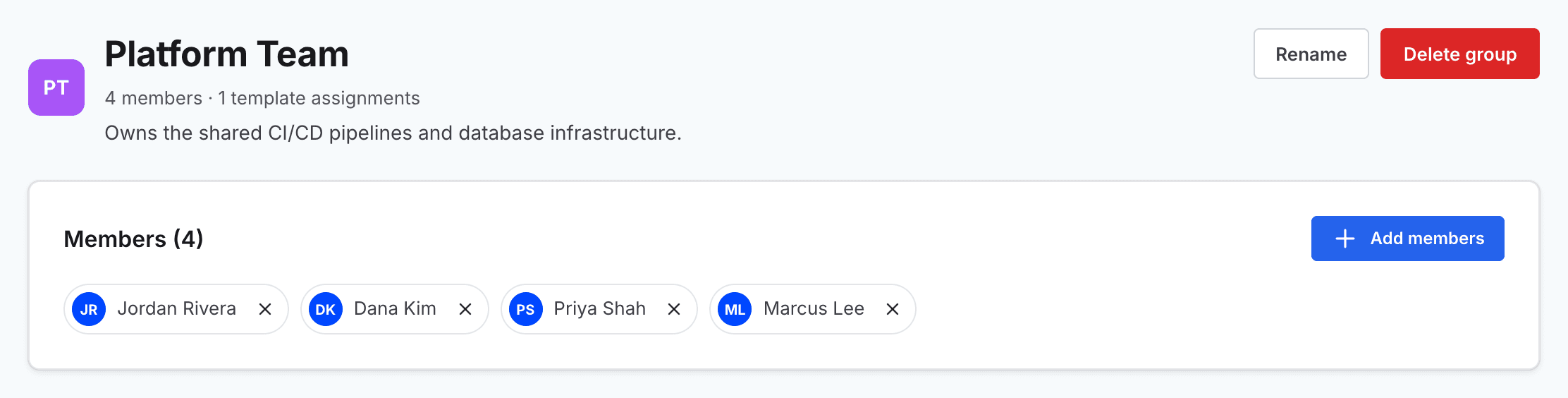
Find the group in the list, and select Manage on its row to open the group's page.
Open the member picker
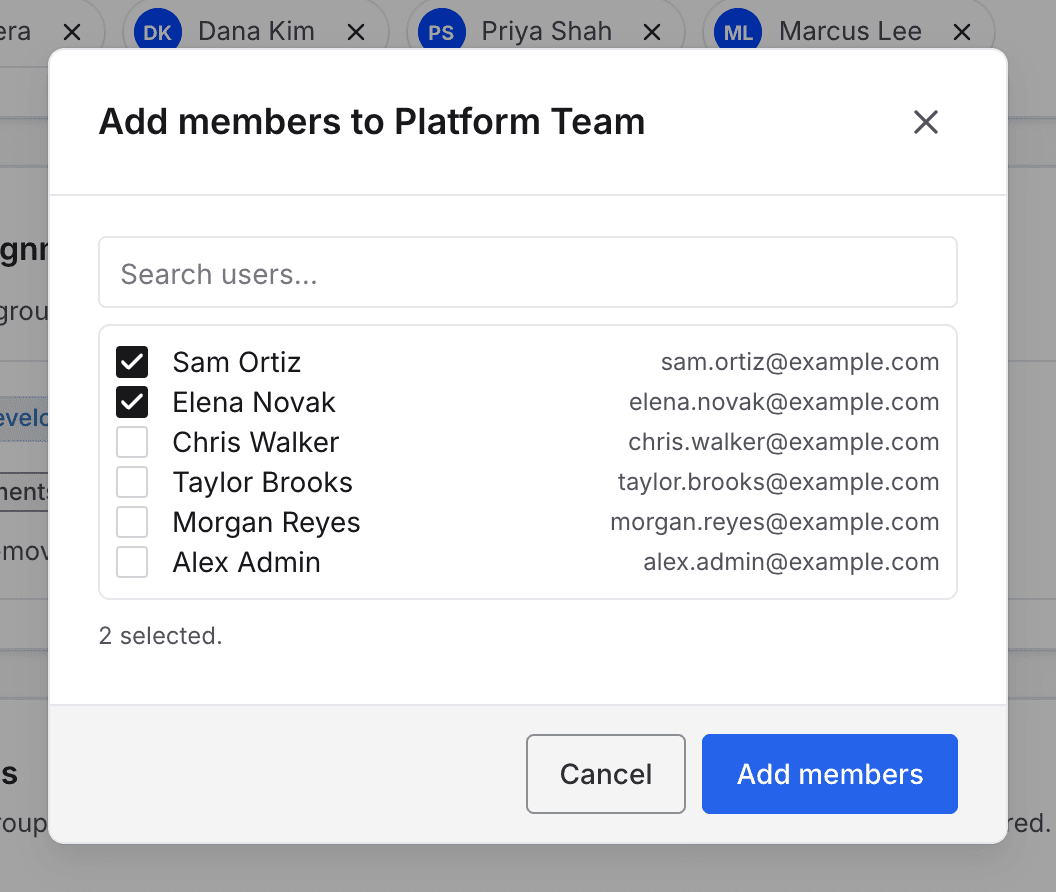
In the Members section, select Add members. The Add members dialog opens.
Note: The Pending group has no Add members button. A user sits in Pending until they are given a group, and is moved out automatically when they are.
Select the people to add
Search for each person by name or email address, and select the check box beside them. People who are already members, and deactivated users, are left out of the list.
Note: A person can belong to several groups at once. What their groups grant is combined, and the most permissive result wins. The exception is a direct deny, which can name a group. Adding someone to a group that is denied a permission on an entity removes that permission there, unless a direct grant restores it. Denies never apply to members of the Administrators group.
Add them to the group
Select Add members.