- Task
- Version · 6.0
- Manage
Create a group
Last updated: October 15, 2026
Create a group for each team or role so you can give everyone in it the same access at once.
Before you begin
You must be a member of the Administrators group. The account that set up the server is a member.
Procedure
1
Open the groups list
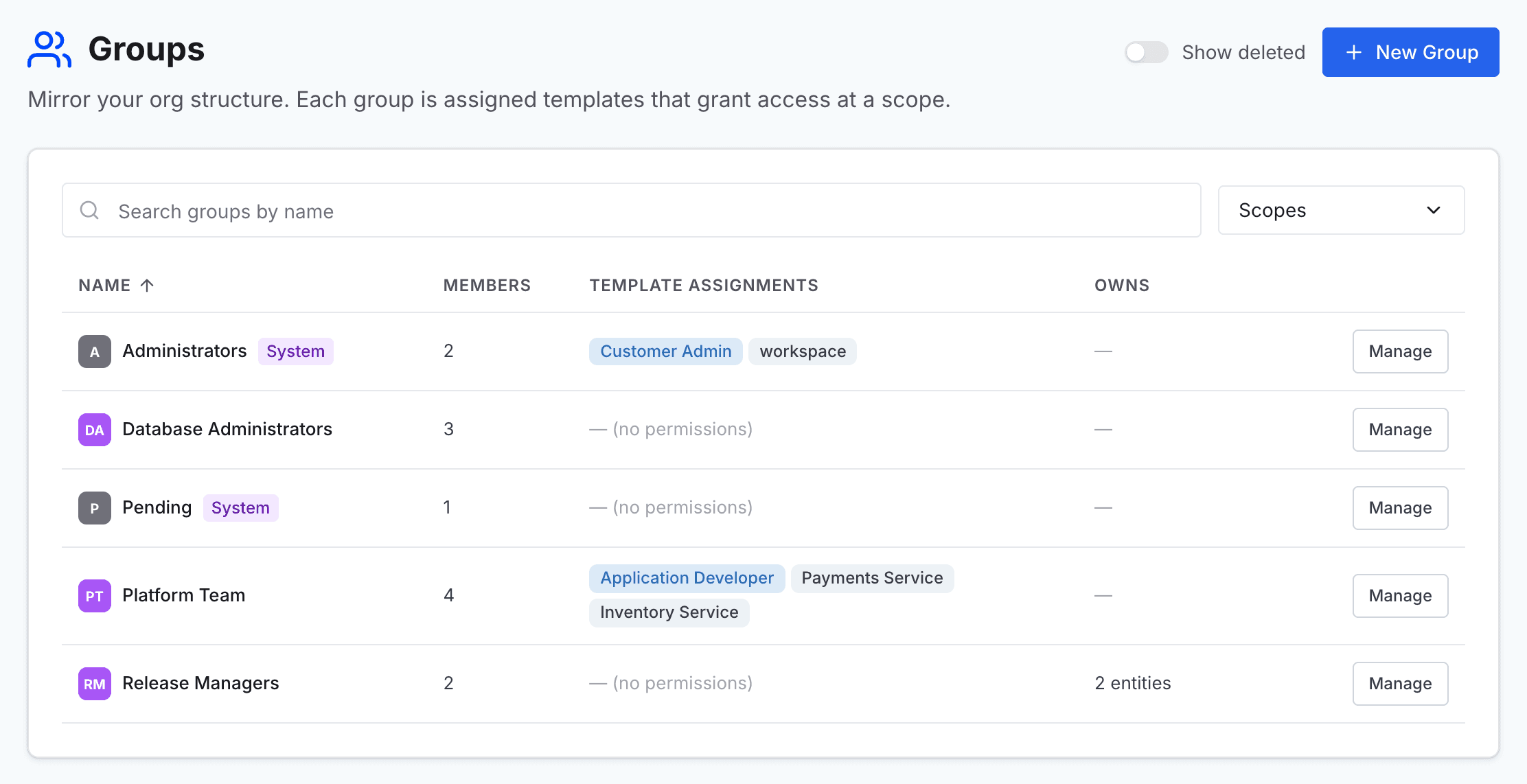
Go to Administer and select Groups.
2
Start a new group
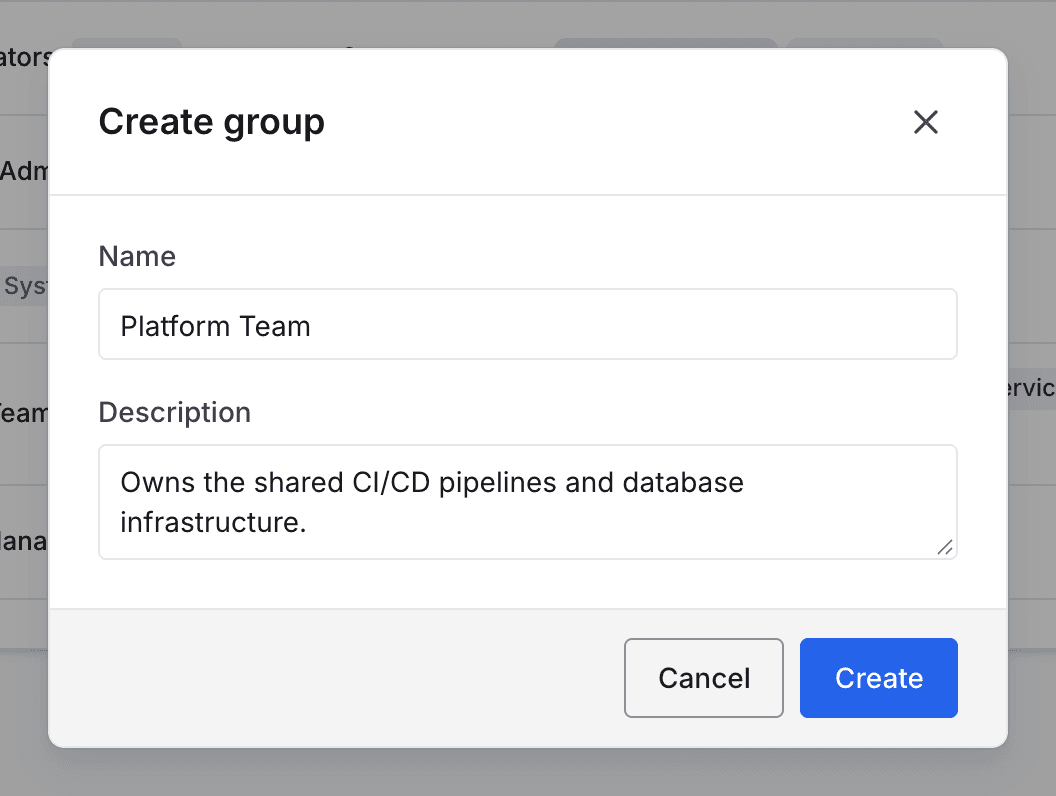
Select New Group. The Create group dialog opens.
3
Name the group
In Name, enter a name for the team or role that will hold the group, for example Platform Team. A Description is optional.
4
Create the group
Select Create. The group appears in the list with no members and no access.
To put it to use, add members to the group and grant it access with a template.