- Task
- Version · 6.0
- Manage
Serve license terms to Change Automation nodes
Last updated: September 29, 2026
A Change Automation node is any machine that runs the Liquibase Secure CLI, such as a developer workstation, a CI/CD agent, or a container in a pipeline. Every node needs a license before it can run Liquibase Secure commands. Instead of copying a license file to each node, you can point your nodes at this server, and each one reads the installation's effective license from it. When you renew or add capacity, you import the new file once in License Management, and every node gets the new terms without any change on the node. The endpoint is served by your own installation, so nodes need no internet access, and the license key is masked in every response.
Before you begin
You need to be a member of the Administrators group, or of a group with the Security Reviewer template, which gives read only access. See Liquibase Secure Role-Based Access Control.
At least one license file must be imported and resolving to an effective license.
The nodes that will read the endpoint must be able to reach the Liquibase Secure server API over your network.
A service principal token for your nodes to send. The server refuses a node that does not send one. See Create a service principal for a CI/CD pipeline.
Procedure
Find the endpoint address
Go to Administer, select License Management, and open the Overview tab.
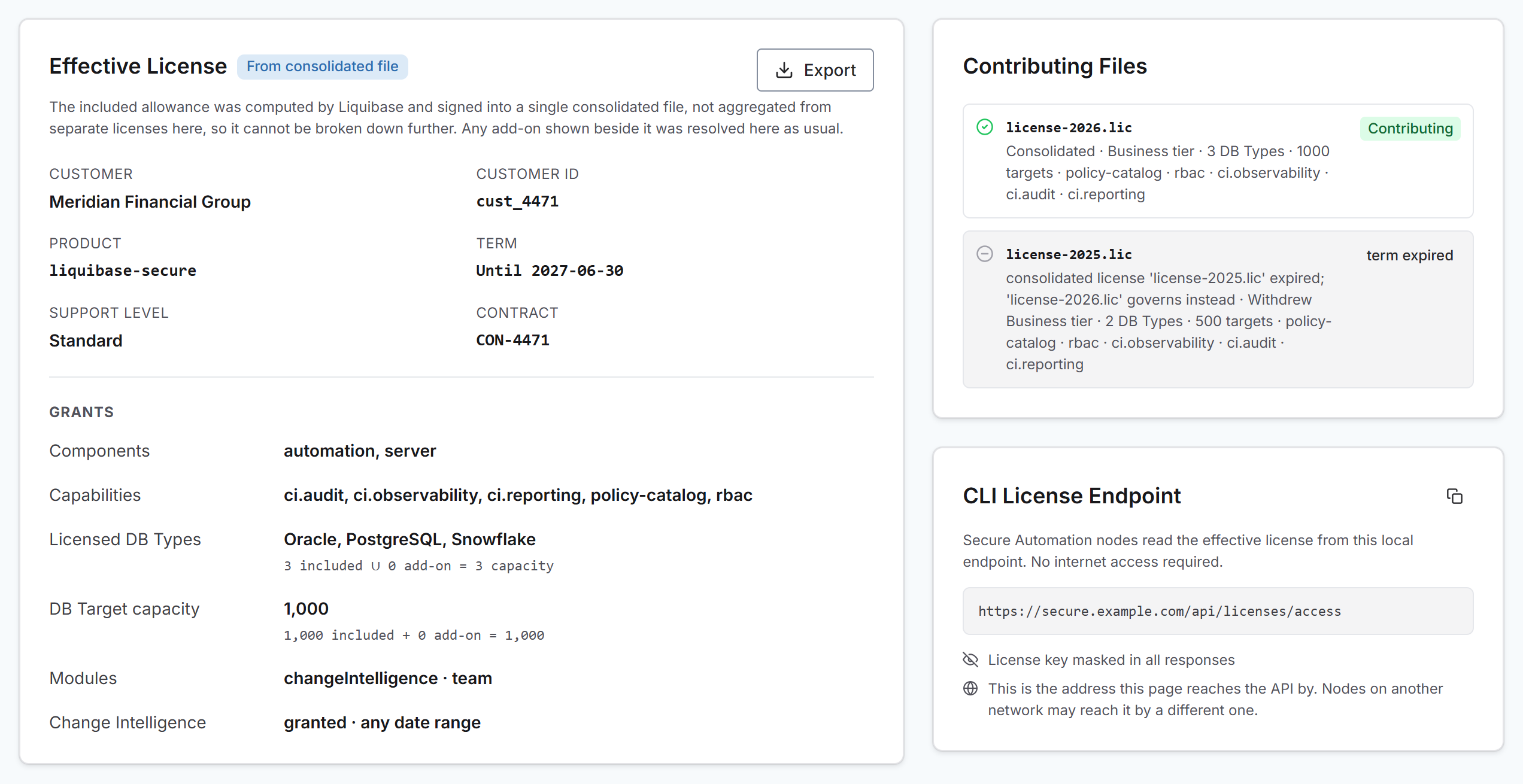
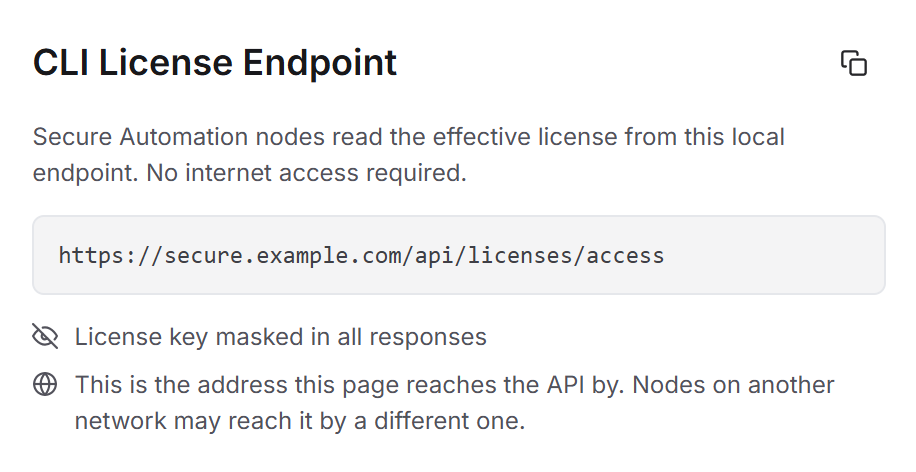
The CLI License Endpoint card sits beside the effective license card and shows the address nodes read. The address always ends in /api/licenses/access.
Copy the address
Select the copy button in the card header to put the full address on your clipboard.
Confirm the address is right for your nodes
The address on the CLI License Endpoint card is the one Liquibase Secure server is set up to use for itself. A node elsewhere on your network may need a different address to reach the same server.
Be sure to:
Check the host part of the address on the card against how your nodes reach the server. For example, a
localhostaddress works on the machine running the server but not from another host.Account for a reverse proxy, container network, or cluster service name if the server sits behind one.
Point your nodes at the endpoint
Set the endpoint, your service principal token, and usage reporting on each node, either as Liquibase properties or as environment variables.
Liquibase properties
liquibase.license.endpointUrl=https://your_server_host/api/licenses/access
liquibase.platform.apiKey=your_service_principal_token
liquibase.license.tracking.enabled=true
Environment variables
Be sure to:
Replace
your_server_hostwith the address your nodes use to reach the Liquibase Secure server, as you confirmed in step 3. For example,secure.example.comGive the full address, including
/api/licenses/access. Liquibase does not add the path for you.Replace
your_service_principal_tokenwith the token of a service principal created in Liquibase Secure server. The node sends it so the server knows the request is allowed, and the server refuses a node that does not send one. See Create a service principal for a CI/CD pipeline.Keep
liquibase.license.tracking.enabled=true. It turns on usage reporting, so the node's usage appears on the Utilization tab. Without it, the node is licensed but reports nothing.
Each node then reads the effective license from the server instead of carrying a license file, and reports its usage to the server with the same token.
To confirm a node is using the endpoint, run liquibase license status on it and check that the Source line names only the endpoint. If it also names a file or environment variable, the endpoint did not supply a license and the node fell back to its own. For the other ways to license a node, see License a Change Automation node.
What the endpoint returns
The response states the licensed position of the installation rather than the contents of any one file:
The license status, term, and whether Change Automation is entitled.
The effective grants, including tier, support level, components, modules, capabilities, the licensed database type list, and both capacity figures.
A compliance posture, with machine readable findings explaining anything that did not count.
License key material is masked in every response. Only the license key identifier is ever emitted.