- Task
- Version · 6.0
- Govern
Communicate the change to affected teams
Last updated: September 29, 2026
Tell the affected teams what changed and when, and use severity to stage the rollout so nothing stops without warning.
Before you begin
You have decided on a governance change and know which projects and teams it reaches. See Review policy coverage if you are not sure which assets an assignment covers.
Procedure
Say what changed, why, and when
A governance change nobody announced gets discovered when it blocks a pipeline, which makes the next change harder to introduce. Announce it before the first pipeline feels it.
What changed: The checks added, removed, or reconfigured, and the packages they live in. Name the checks the way the product does, so a team seeing
SqlGrantWarnin a pipeline log recognizes it from the announcement.Why: The incident, finding, or review that motivated the change. A rule with a reason attached gets fixed. A rule without one gets worked around.
What happens now that did not happen before: Which patterns will start failing, at what severity, and what the exit code does to a pipeline.
What to do when it fires: Point at Investigate a policy check failure, so the first blocked developer has a path that is not a support ticket.
Stage the severity
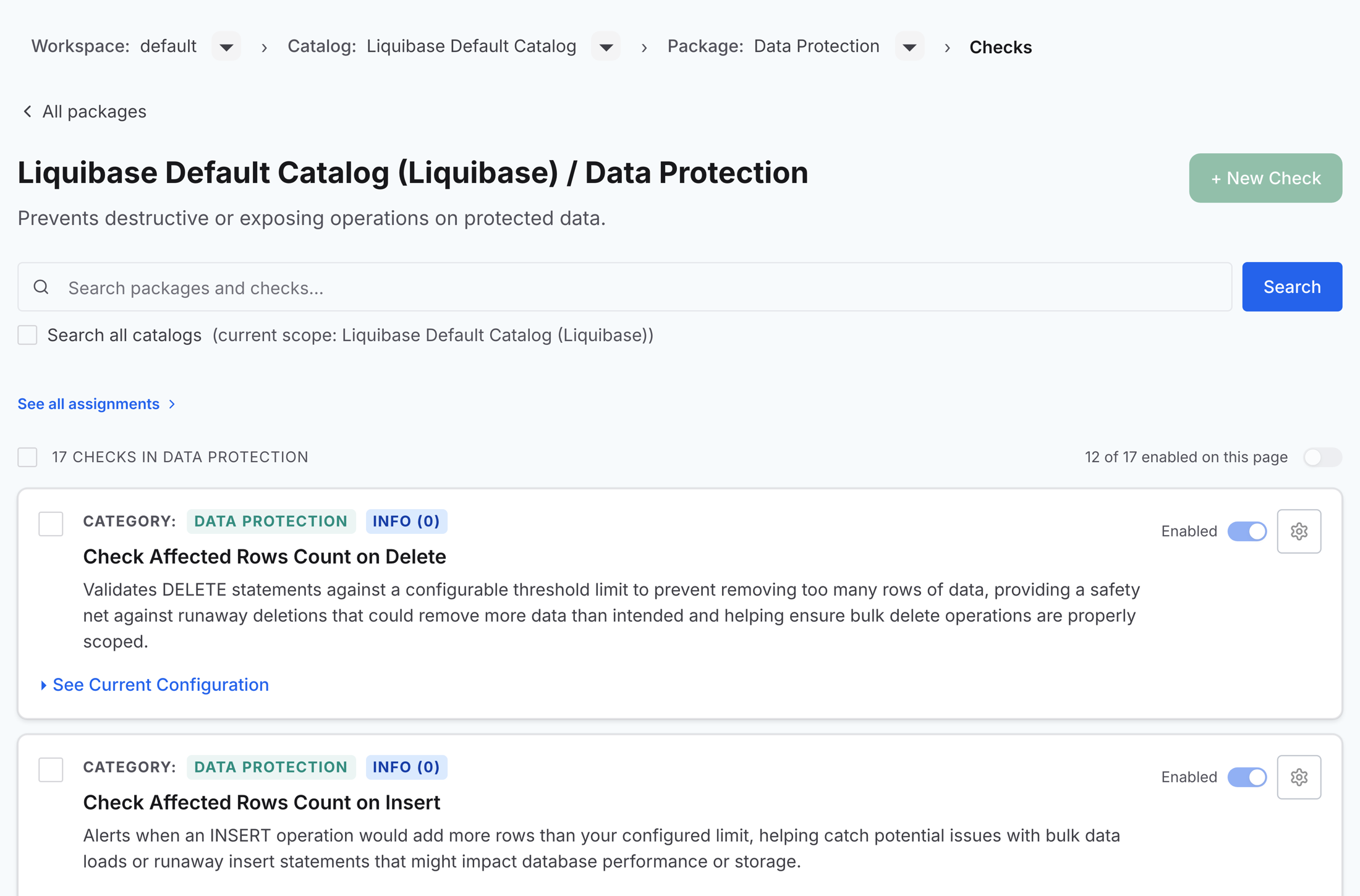
Severity is your rollout mechanism. A new check introduced at INFO (0) reports findings without stopping anything, which gives teams a window to see and fix violations while pipelines keep flowing. Raise it to a blocking severity once the finding count drops and the announcement has had time to land. That sequence turns enforcement from an ambush into a deadline.
Make the catalog self-explanatory
The catalog is also a communication channel. Package names and descriptions travel with the checks, so a package named for its purpose, with a description saying what it covers and who owns it, answers most questions before they are asked.
Watch the dashboard after it takes effect
After the change takes effect, watch the Policy Checks dashboard under Monitor. A spike in violations for the new rule means the message did not land or the window was too short. Silence plus passing runs means it did. Either way, the next review has its answer.